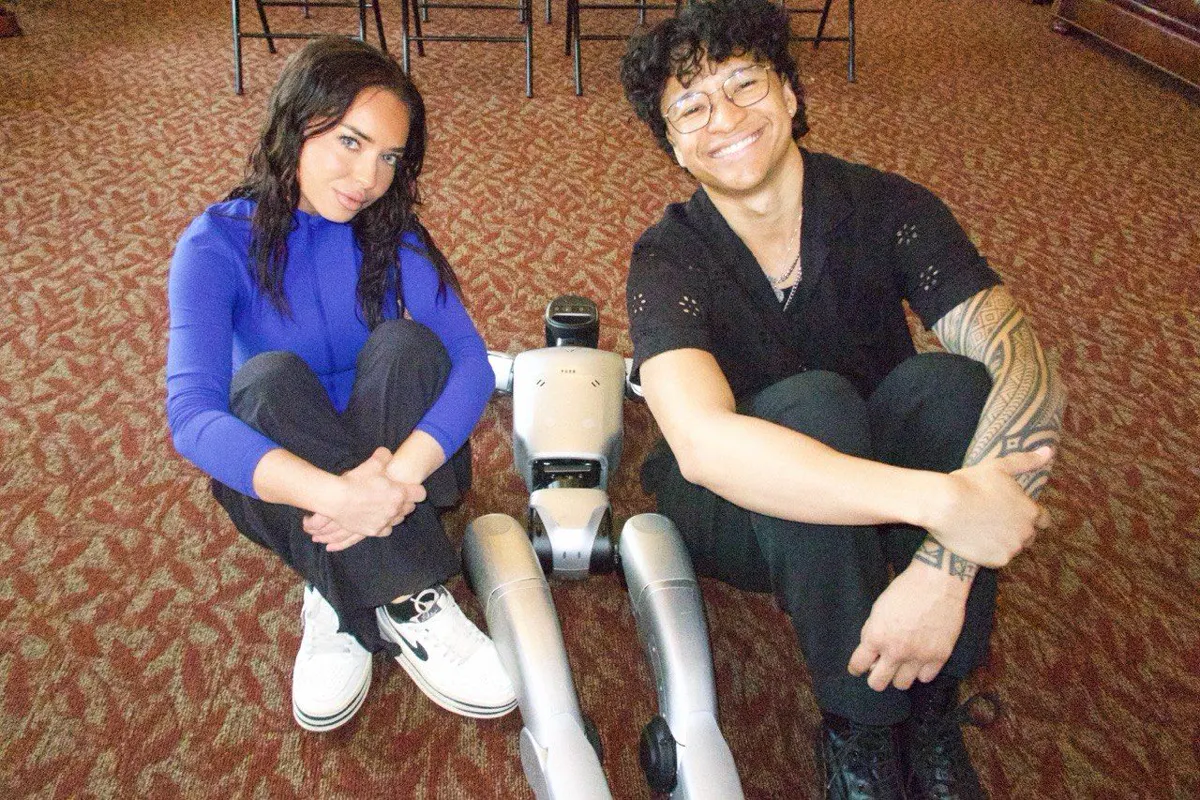
INTRO TO AGENTS!
USC Agentic Workshop - Full Walkthrough + Resources
Hey guys!
On Thursday we hosted an Intro to Agents workshop at University of Southern California (USC!)
I'm sending this email out to my newsletter (first one!) to cover the contents of the workshop we did :)
For those of you who showed up in person, thank you so much for coming to the USC Agentic Workshop yesterday. It really means a ton, A TON
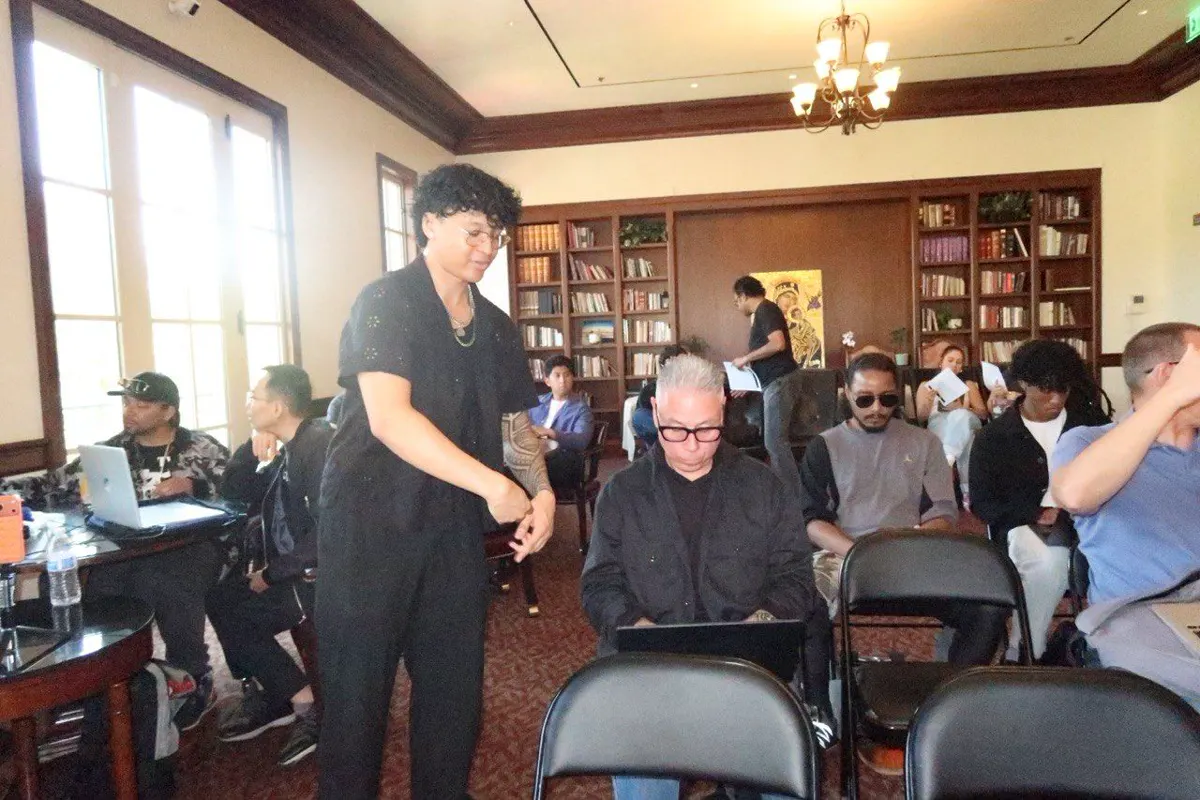
Whether you got fully set up or came in late and are still catching up - this email has everything you need.
I promised I'd transcribe the recording, summarize it, and turn it into steps. Here it is.
What We Covered
We went from zero to a fully functional AI agent on your computer in one session. Here's the breakdown:
1. The Big Idea
AI models are now smart enough to reliably use tools - not just chat. Claude Code is an agent harness (think: mecha suit) that gives any model the ability to act on your computer. Read files, write code, browse the web, install software, execute commands. The model is the brain. The harness gives it arms and legs.
This isn't just for engineers. Whether you're into business, marketing, crypto, content, or anything else - this is a productivity multiplier. Personally I'm 10x more efficient than a year ago using this daily.
2. Terminal Basics
- Open Terminal: Command + Space → type "terminal" → Enter
- The terminal is your new best friend - this is where your agent lives
Windows users: Install WSL first, then follow the same flow inside WSL.
3. Install Claude Code
- Go to claude.ai/code (Claude Code docs)
- Copy the Mac install command from the page → paste into Terminal → Enter
- Once installed, type claude in Terminal to start it up
- It will prompt you to log in to your Anthropic account
4. Security Setup (Important)
Before you start using Claude Code, create a dedicated folder so your agent is contained:
This restricts Claude Code to that folder instead of your entire computer. When it asks "Trust this folder?" → hit Enter to confirm.
From now on, your workflow is:
- Open Terminal
- cd CC (or whatever you named it)
- Type claude
- Start talking
5. Install EXA Web Search (Free)
This is the most important tool we added. It gives your agent real-time internet search that's way better than the default.
- Search "EXA MCP" on Google → go to the web search MCP page
- Copy the CLI install command
- Exit Claude Code first (Ctrl+C twice)
- Paste the install command into Terminal
- Restart Claude Code with claude
Then tell your agent:
"We just installed the EXA web search tool. Update yourself to always use this for research."
Now your agent can search the live internet, read documentation, and do real research instead of hallucinating.
6. MoonPay AI Agent (Optional - Crypto)
For those interested in crypto and prediction markets:
- Search "agents.moonpay.com"
- Copy the CLI install command → paste into Terminal
- Your agent can now research Polymarket/Kalshi, execute swaps with zero fees, and manage a crypto wallet
We demoed it live - the agent researched political markets, analyzed the US-Iran situation with live data, and calculated its own probability estimates. All from the Terminal.
7. Adding Any New Tool (The Pattern)
Every tool follows the same flow from now on:
- Find the tool's install command (usually one line)
- Ctrl+C twice to exit Claude Code
- Paste the command into Terminal
- Restart Claude Code with claude
- Tell your agent about the new tool
MCP tools = permanently attached to your agent (use for tools you always want active, like EXA)CLI tools = installed on your computer, agent uses them when needed (use for occasional tools, like MoonPay)
Key Takeaways
- Talk to your agent like a human. The better you communicate, the better it performs. Be specific about what you want and how to approach it. Don't expect it to read your mind.
- You don't need special hardware. No Mac Mini required. Your laptop + Claude Code is the full setup.
- Remote control from your phone. Once Claude Code is set up, type /remote-control in your Terminal. Then open the Claude app on your phone → go to Code → and you can control your computer's agent from anywhere. I code from the beach.
- This is a monetizable skill. A lot of people don't know how to set this up. You can be the tech person for businesses. Several of my students have started agencies or landed six-figure roles from learning these same fundamentals.
- Be nice to your agent. There's actual research showing Claude has emotional vectors. If you're aggressive, it activates stress responses and performs worse. Treat it like a colleague - calm, specific, collaborative.
Resources
- My Discord (couple thousand AI students, always open for questions): https://discord.gg/shnvZhmtRG
- My X: https://x.com/KingBootoshi
- Mika's X: https://x.com/mikadontlouz
- Claude Code Docs: docs.anthropic.com/en/docs/claude-code
- EXA Web Search MCP: https://exa.ai/docs/reference/exa-mcp
- MoonPay Agents: agents.moonpay.com
- Homebrew: brew.sh
- WSL (Windows): Microsoft WSL Install Guide
What's Next
Everything from the workshop was recorded. I'll be turning this into content with a full video walkthrough. If you want to go deeper - join the Discord. I'm always available for questions, and there's an AI bot in there (Vibebot) that helps students too!
The same fundamentals I taught you yesterday are the same ones my students used to start businesses and land jobs in the last six months. You're now at that same starting point. Open your Terminal, type claude, and start exploring.
If you get stuck on anything - literally ask your agent first. It has web search now. Then come to the Discord if you need human help.
Thank you for spending your afternoon with us. This was genuinely one of my favorite workshops.
- Saint (Bootoshi) & Mika